
NEED A FIRMWARE UPDATE?
NOW YOU CAN DO IT WITH TAUAPP 2.0 + BLUEWAY.
Keeping your products up to date means working with tools that are always aligned with the latest versions. With TauApp 2.0 + BLUEWAY, you can update the firmware of compatible TAU products directly from your smartphone or PC.
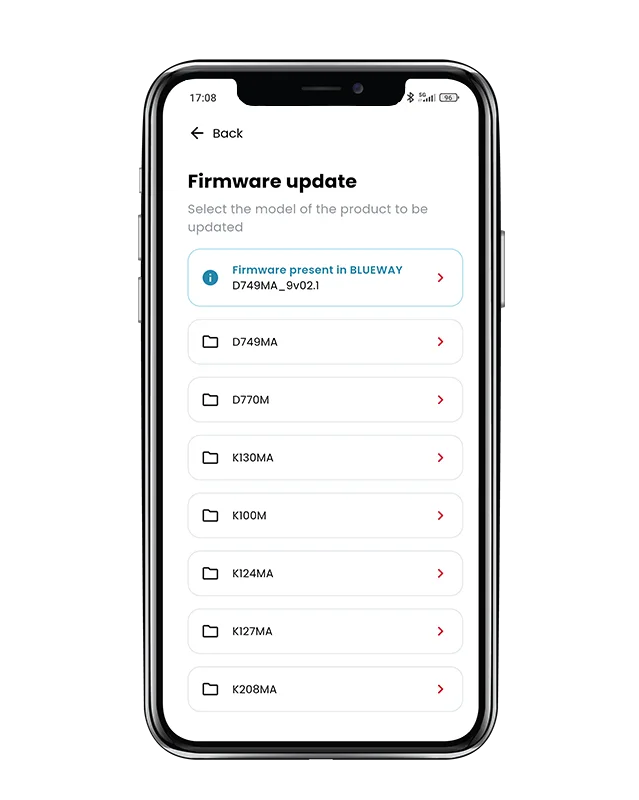
HOW DOES IT WORK?
The process is simple:
1. Select “Configure firmware”.
2. Choose the product to update.
3. Select the available firmware.
4. Wait for the firmware to upload to the BLUEWAY.
5. Start the update.
Il BLUEWAY conserva inoltre in memoria l’ultimo firmware installato, permettendo di verificare quale versione è presente nel dispositivo.